
Healthcare Integration
GPT Workbench provides a comprehensive healthcare integration that packages 23+ specialized biomedical and clinical tools for research, pharmacogenomics, and clinical decision support workflows. Unlike other integrations that connect to a single external service, the healthcare integration is a curated collection of MCP tool servers spanning multiple authoritative data sources.
Overview
The healthcare integration differs from other GPT Workbench integrations in several important ways:
- No OAuth required -- Healthcare tools are standalone MCP (Model Context Protocol) servers that query public biomedical databases. There is no account to connect or credentials to configure at the user level.
- Admin-enabled -- An organization administrator enables healthcare tools at the organization level. Once enabled, individual users can activate specific tools per thread.
- Multiple data sources -- Rather than connecting to a single service, the healthcare integration aggregates data from PubMed, ClinicalTrials.gov, DrugBank, gnomAD, CPIC, and many other authoritative sources through purpose-built MCP servers.
- Tool-based, not context-based -- Healthcare data is accessed through tools that the AI calls on demand, rather than through pre-loaded context blocks. This keeps prompts efficient and allows the AI to query precisely the data it needs.
How It Differs from Other Integrations
| Aspect | OAuth Integrations (HubSpot, MS365) | Healthcare Integration |
|---|---|---|
| Authentication | User connects via OAuth | No authentication needed |
| Data source | Single service per integration | 23+ independent data sources |
| Access method | Context blocks and tools | Tools only |
| Setup | User connects account | Admin enables, user selects tools |
| Data persistence | Records cached with configurable duration | Results returned per query, not cached |
Enabling Healthcare Tools
Organization Level (Admin)
Organization administrators control which healthcare tools are available to users.
- Go to Organization Settings > Features
- Locate the Healthcare Tools section
- Toggle healthcare tools on for the organization
- Optionally restrict which tool categories are available
Thread Level (User)
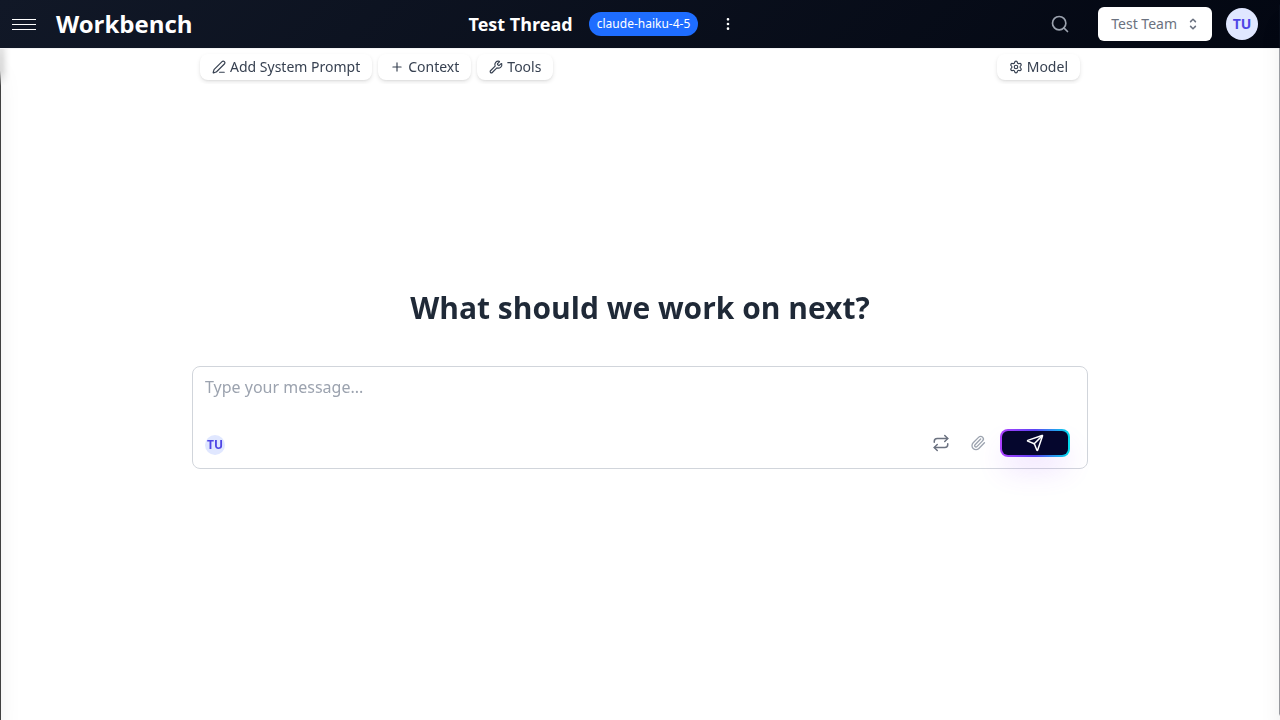
Once healthcare tools are enabled at the organization level, users activate them per thread.
- Open your thread
- Click the Tools button in the toolbar
- Browse the Healthcare category in the Available Tools grid
- Toggle individual tools on or off based on your workflow
You do not need to enable all 23+ tools. Select only the tools relevant to your current task to keep the AI focused and reduce tool schema overhead.
Tool Categories
The healthcare integration organizes tools into functional categories. Each category targets a specific area of biomedical research or clinical practice. For the complete tool catalog with detailed descriptions and example prompts, see Healthcare Tools.
Literature and Research
Tools for searching and retrieving biomedical literature from major databases.
| Tool | Data Source | Capability |
|---|---|---|
| PubMed | NCBI PubMed | Search biomedical articles, retrieve abstracts and metadata |
| BioRxiv | bioRxiv.org | Access biology preprints |
| MedRxiv | medRxiv.org | Access health sciences preprints |
| PubTator | NCBI PubTator | Named entity recognition in biomedical literature |
| Zotero | Zotero API | Reference management and citation retrieval |
Drug and Pharmacology
Tools for drug information, interactions, and pharmacogenomic guidance.
| Tool | Data Source | Capability |
|---|---|---|
| DrugBank | DrugBank database | Drug details, interactions, contraindications |
| CPIC | CPIC Guidelines | Pharmacogenomic dosing guidelines |
| BDPM | French drug database | French medication data and summaries |
| PubChem | NCBI PubChem | Chemical compound properties and bioactivity |
| OpenTargets | Open Targets | Drug target associations and evidence |
Genomics and Variants
Tools for genomic data, variant interpretation, and population genetics.
| Tool | Data Source | Capability |
|---|---|---|
| gnomAD | gnomAD database | Population allele frequencies and variant annotations |
| AlphaGenome | AlphaGenome | Variant effect predictions |
Clinical Trials
Tools for searching and analyzing clinical trial registrations.
| Tool | Data Source | Capability |
|---|---|---|
| Clinical Trials | ClinicalTrials.gov | Search trials by condition, intervention, location, phase |
Additional Specialized Tools
The healthcare integration includes additional specialized MCP servers for niche data sources including protein structures, metabolic pathways, adverse event reporting, and epidemiological data. The full list is available in the Available Tools grid under the Healthcare category.
Data Sources
Healthcare tools query the following authoritative databases and services:
- PubMed / NCBI -- The primary database of biomedical literature with 36+ million citations
- ClinicalTrials.gov -- Registry of clinical studies conducted worldwide
- DrugBank -- Comprehensive drug data including pharmacological and pharmaceutical information
- gnomAD -- Genome aggregation database with variant frequencies from 800,000+ individuals
- CPIC -- Clinical Pharmacogenetics Implementation Consortium guidelines
- BioRxiv / MedRxiv -- Preprint servers for biology and health sciences
- PubChem -- Chemical information database with compound properties and bioactivity data
- Open Targets -- Platform for systematic drug target identification and prioritization
- BDPM -- Base de Donnees Publique des Medicaments (French public drug database)
- PubTator -- Biomedical text mining for entity recognition and relation extraction
Compliance and Data Handling
Healthcare tools query external public APIs and return results directly to the conversation. Important considerations:
- No PHI storage -- GPT Workbench does not store Protected Health Information. Search queries and results pass through the system but are not persisted beyond the conversation thread.
- Public data sources -- All data sources are publicly accessible biomedical databases. No patient data is involved.
- Query-based access -- Data is fetched on demand per tool call. There is no background synchronization or data warehousing.
- Standard LLM processing -- Results are processed by the selected LLM (OpenAI, Anthropic, Google) according to that provider's data handling policies.
- Audit trail -- All tool calls are logged in the run history with timestamps and token costs for organizational oversight.
Organizations subject to HIPAA or equivalent regulations should evaluate their specific compliance requirements. The healthcare tools themselves do not process patient data, but the prompts and conversations that reference clinical scenarios may fall under institutional data governance policies.
Use Cases
Clinical Decision Support
Combine drug information tools with literature search to support clinical decisions. Enable DrugBank, CPIC, and PubMed tools in a single thread.
Example prompt: "A patient is on warfarin and has been prescribed fluconazole. Check for drug interactions, review CPIC guidelines for relevant pharmacogenomic considerations, and find recent PubMed articles on managing this combination."
Literature Review
Use PubMed, BioRxiv, and MedRxiv tools together for comprehensive literature searches that span published articles and preprints.
Example prompt: "Search PubMed and BioRxiv for recent publications on CRISPR base editing for sickle cell disease. Summarize the top 10 most relevant results with their key findings."
Pharmacogenomics
Combine CPIC guidelines with gnomAD variant data to evaluate pharmacogenomic implications for specific genetic variants.
Example prompt: "Look up the CYP2D6*4 variant in gnomAD for population frequency, then check CPIC guidelines for any drugs that require dose adjustments for CYP2D6 poor metabolizers."
Research Protocol Design
Use Clinical Trials search to survey existing studies, then combine with literature search to identify gaps and inform new protocol design.
Example prompt: "Search ClinicalTrials.gov for ongoing Phase 3 trials in NASH/MASH. Compare the interventions being studied against recent PubMed reviews on NASH therapeutics."
Drug Identification
Use BDPM and DrugBank tools together for comprehensive drug identification that covers both French and international databases.
Example prompt: "Identify the active ingredients, contraindications, and available dosage forms for Doliprane using the BDPM database, then cross-reference with DrugBank for additional interaction data."
Adverse Event Research
Search for drug safety signals by combining DrugBank interaction data with PubMed case reports and pharmacovigilance literature.
Example prompt: "Search for reported adverse events related to the combination of metformin and contrast agents. Check DrugBank for interaction data and find relevant PubMed case reports."
Configuration Recommendations
Model Selection
Healthcare workflows often involve multiple sequential tool calls and detailed synthesis. Choose models with large context windows and strong reasoning capabilities:
| Model | Context Window | Recommended For |
|---|---|---|
| Claude 4 Opus | 1M tokens | Complex multi-tool clinical analysis |
| Claude 4 Sonnet | 1M tokens | General healthcare research |
| GPT-4.1 | 1M tokens | Literature review and synthesis |
| Gemini 2.5 Pro | 2M tokens | Large-scale literature surveys |
System Prompt Templates
For clinical decision support workflows, consider including instructions in your system prompt:
- Always cite the data source for each claim (PubMed ID, DrugBank ID, trial identifier)
- Distinguish between established evidence and preliminary findings
- Flag potential drug interactions with severity levels
- Note when information may be outdated or when newer evidence should be sought
Best Practices
- Enable only relevant tools -- Each enabled tool adds schema information to the AI context. Enabling all 23+ tools when you only need PubMed wastes tokens and can confuse the model. Select the 3-5 tools relevant to your task.
- Be specific in queries -- Biomedical databases respond best to precise queries. Use MeSH terms, gene symbols, drug names, and ClinicalTrials.gov identifiers when available.
- Combine complementary tools -- Pair literature tools (PubMed) with data tools (DrugBank, gnomAD) for comprehensive answers that blend evidence with structured data.
- Verify critical information -- AI-synthesized biomedical information should be verified against primary sources. Use the tool results as a starting point for clinical or research decisions, not as a final authority.
- Use system prompts for rigor -- Set a system prompt that instructs the AI to cite sources, distinguish between levels of evidence, and flag when information is uncertain or incomplete.
- Check tool availability -- If healthcare tools do not appear in your Available Tools grid, contact your organization administrator to enable them.
- Leverage thread templates -- Create thread templates pre-configured with healthcare tools and system prompts for common workflows (literature review, drug interaction check, clinical case analysis). This saves setup time and ensures consistency.
Related Documentation
- MCP Tools -- How MCP tools work in GPT Workbench
- Tools Overview -- General tools documentation
- Models & Tools -- Choosing models for tool-heavy workflows
- Admin Features -- Organization-level configuration